Seven StableTrack releases went out between 21 October and 5 November 2026. Most of what changed touches three parts of an equine vet's day: booking it, vaccinating at the barn, and sending records to someone outside the practice. This post covers what each change does, where to find it, and where its limits are.
What shipped, 21 October to 5 November 2026
The schedule was rebuilt
Week and Month views now show every provider at once. You no longer pick one veterinarian to see past the current day.
Hovering over an appointment shows its details. Opening it shows the contact information, medical alerts, directions and the actions you can take. Appointments carry one of six statuses: Tentative, Confirmed, Checked in, Completed, No-show or Cancelled.
Barn visits changed the most. Several horses can be scheduled inside a single barn visit and their appointments updated together, which is how a morning at a boarding barn is booked in practice. When you create an appointment you can start from a patient, an owner or a barn, and provider availability shows while you book.
Equipment bookings can be viewed by day, week or month. Displayed hours, time slots, appointment types and colors are set under Calendar Settings. Appointment colors used to sit under Service Pricing, so that is where to look if yours seem to have moved.
Two reports came with the redesign. Appointments by Type counts appointments by type across a date range and exports to CSV. Cancellations & No-shows lists missed and cancelled appointments with links back to the schedule. More on how scheduling and billing fit together.
Appointment reminders by email
A practice can now schedule up to three reminder emails per appointment, sent anywhere from 30 days before the visit to the day itself. Each reminder can include instructions specific to that appointment, such as having the horse caught and in a stall.
Reminders are off by default. Preview and turn them on under Settings, then Client Reminders, and set the clinic time zone first, because reminders will not send without one. These reminders are sent by email.
Vaccine lot tracking, from receiving to the horse
When vaccine stock is received, StableTrack records the lot number, the expiration date and the packaging. Lots can be viewed, adjusted and retired from Inventory, and lot details can be added to stock you already hold without changing the count.
When a vaccination is given, StableTrack suggests the lot that expires first, flags an expired lot, and deducts the dose from the lot that was used. If the vaccination record is later edited, deleted or restored, the inventory adjusts with it. In Barn Operations each horse is assigned its own lot, earliest expiry first.
The iPhone app records the same details: lot number, expiration, manufacturer and dose in mL. With a connection you pick the lot from stock. Without one you type it in from the vial. By default only veterinarians, admins and owners can give a dose from an expired lot.
Each horse also has a Vaccinations tab showing its history and what is overdue or coming up, reachable from the patient header. Planned vaccinations can be recorded while completing a SOAP note, with a warning if the record would duplicate one that already exists.
StableDocs: send records as one PDF
StableDocs emails selected records from a horse's chart as a single PDF to the owner, a referring veterinarian or another authorized recipient.
Choosing a purpose (Referral, Owner Copy, Pre-purchase, Insurance or Transfer of Care) suggests the records, dates and summary that fit it. You can then select by date range and record type: SOAP notes, lab results, medications, imaging, vaccinations, Coggins and attachments. The PDF can be previewed or downloaded before anything is sent.
For some third-party recipients, and for email addresses StableTrack does not recognize, it asks you to confirm that the owner has authorized the share. The chart keeps a sharing history with recipients, delivery status and the PDFs sent before. Defaults, email templates, disclaimers and PDF settings are under Settings, then StableDocs. For how the record itself is built, see equine medical records software.
SOAP notes: dates, price-list treatments and the Plan in templates
Every SOAP note now shows its date and time at the top. A new note starts at the current time, or at the visit's time when it is started from a barn visit. The date and time can be changed while the note is a draft and are locked once it is completed.
On the web, Add Treatment in the Plan lists your clinic's vaccines and then its medications from Settings, then Service Pricing. You can still type any other name. A vaccine picked from the list is tagged as a vaccine, so its lot and booster can be recorded from the plan.
Templates can now carry the whole Plan. Add a field to a SOAP template and choose Full Plan as its type, and the template includes diagnostics, treatments and medications, vaccine recording, procedures, a follow-up date and plan notes. The built-in templates already have it, and General Exam is now a built-in template for every clinic, listed first as the default. The SOAP notes page explains how dictation and templates work together.
iPhone app 1.5.0
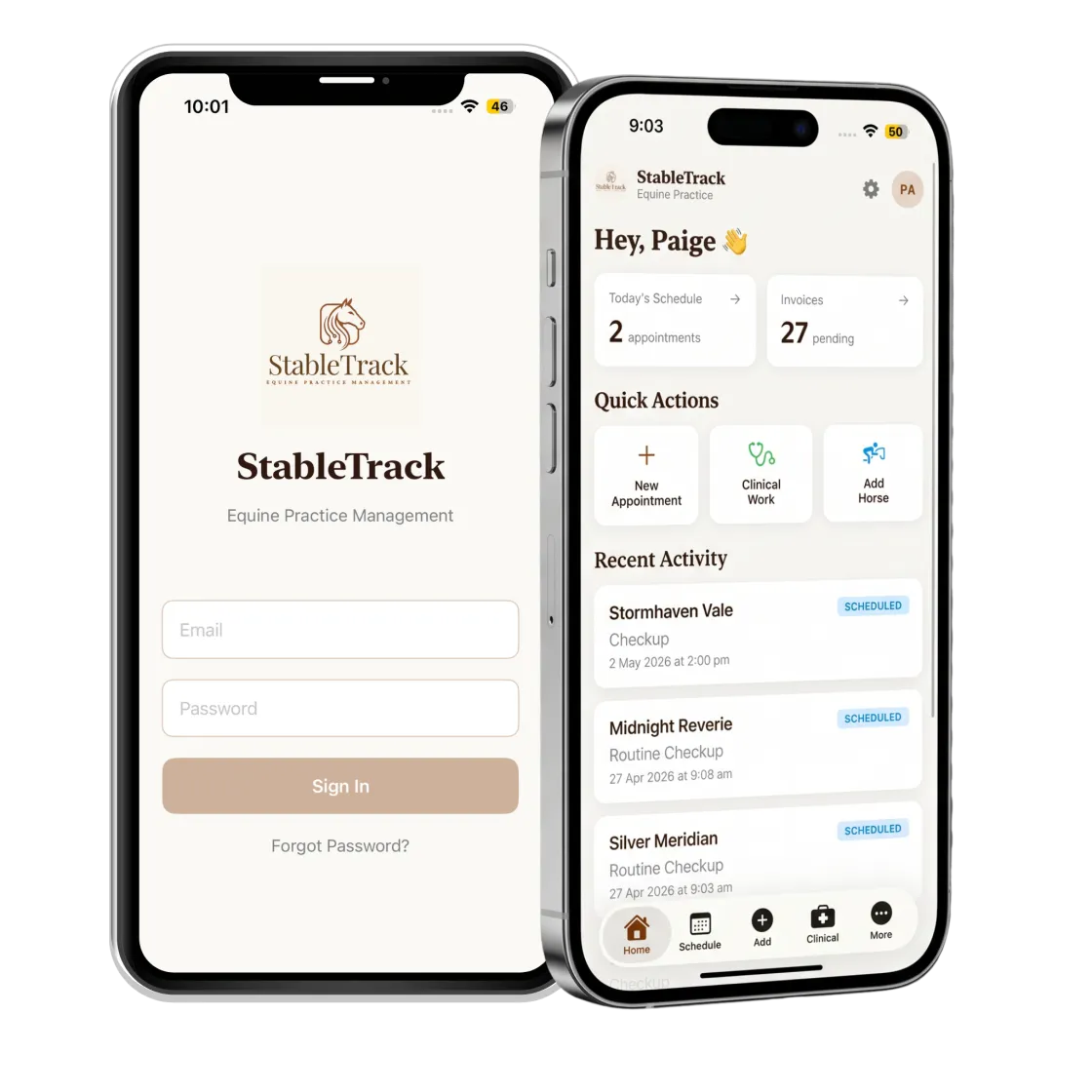
Each appointment in the app now shows the barn's address, notes and contact, or the patient's home address. Directions open in Apple Maps or Google Maps, or with a swipe right on a visit in Schedule. Set a default maps app, or choose each time, under More, then Directions.
Patient photos can be taken or chosen on an iPhone or iPad and appear on the chart, in the Patients list and on the web. Photos you have viewed stay available offline.
Documents, lab PDFs and photos uploaded on the web now open in the app, and paper documents can be scanned in from the phone. Files need a connection, as they do on the web.
Appointment statuses can be set in one tap, and an invoice can be created, or the visit cancelled, from the appointment. Cancelled appointments stay on record and are left out of the day's count and out of invoicing. See what else works in the field on the mobile and offline app page.
Audit Log and corrections to finalized records
The Audit Log, under Reports, shows who made a change, when, what changed and why. It can be searched by date, module, action, user, role, patient or client. Saved views give quick access to deleted records, financial overrides, medical record edits and security changes. History exports to CSV or PDF, up to 3,000 entries at a time.
Owners and admins can see the Audit Log by default. Access for anyone else is granted under Settings, then Team Members.
Medical records now show Edited and Voided tags, and selecting a tag opens the change history. On the web, an authorized user can correct a finalized SOAP note, procedure, vaccination or discharge by giving a reason. A new permission controls who may do this, and the assigned veterinarian can also make corrections.
Where to find the release notes
Release notes appear inside StableTrack when you sign in. If you missed a few, they show in order and can be stepped through or skipped. To see any of this against your own caseload, book a walkthrough.